

API keys — list, regenerate, rotate
Every request to the Pilot Status API requires an API key in one of these headers:x-api-key: the raw key (ps_...)x-api-key-id: the API key ID (the backend resolves it internally)
ps_ prefix.
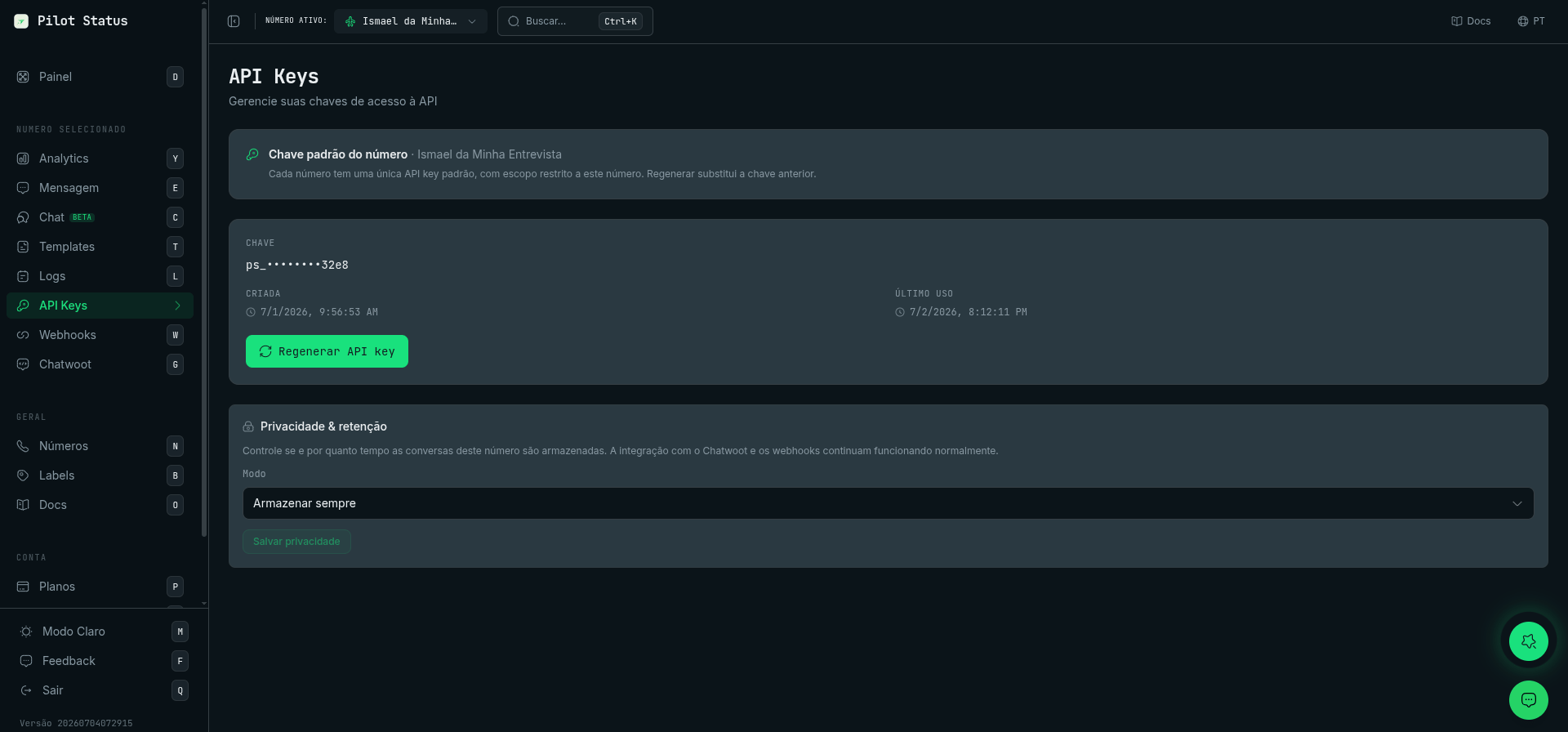
The API Keys page — each number has one default key (shown masked) with a Regenerate action, plus per-number privacy & retention.
Key scopes
There are no sub-keys (no parent/child). In the dashboard, keys are regenerated, not created: each WhatsApp number has one default number-scoped key, and the tenant-scoped key is a singleton.
A tenant-scoped key on a per-number action endpoint gets 403
TENANT_SCOPE_NOT_ALLOWED; a number-scoped key on a tenant-only endpoint gets 403 NUMBER_SCOPE_NOT_ALLOWED.
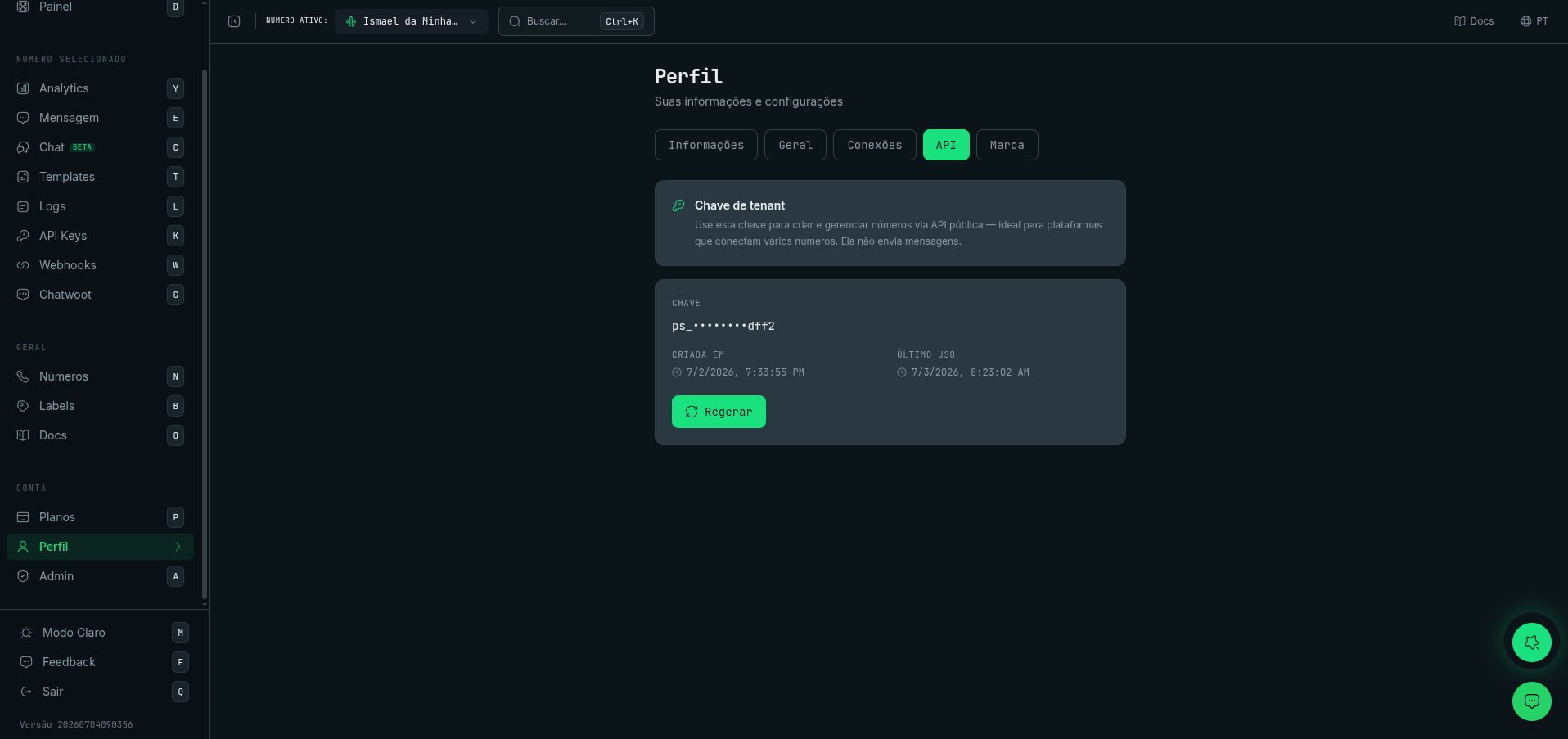
The tenant-scoped key lives in Profile → API — it manages numbers via the public API and cannot send messages.
GET /v1/api-keys — List keys (tenant-scoped only)
A number-scoped key gets 403NUMBER_SCOPE_NOT_ALLOWED. Returns a lean flat array — one item per number — with numberId, number, displayName, keyId, keyLast4, plus the real usable value (key, revealable: true). Legacy keys come back with key: null and revealable: false — regenerate that number to obtain a usable value.
One entry per number — the most recently created key. A number can hold more than one key, and the listing now collapses them to the newest one instead of returning a row per key. The older keys are not revoked: they keep authenticating, they just stop being listed. Keys with no number attached are still listed individually.
POST /v1/api-keys — Regenerate one number’s key (tenant-scoped only)
Send the target number inwhatsappNumberId: its previous default key is rotated/invalidated and the new raw key is returned once. There is no “create another key” — each number has exactly one default key. Unknown number → 404 NUMBER_NOT_FOUND.
POST /v1/api-keys/regenerate — Rotate the caller’s own key
Rotates the calling key’s own scope key (works for both scopes): the current key is invalidated and the new raw key is returned once in the response.Privacy & data retention
The API Keys page also hosts the per-number Privacy & retention panel (the same control appears on the Numbers page). It governs whether — and for how long — this number’s conversations and message content are stored. It never affects delivery: the Chatwoot integration and webhooks keep working in every mode (they run upstream of storage).
The policy lives on the number and is changed in the dashboard on the API Keys page (Privacy & retention panel) or on the number’s settings in Numbers. For the full behavior — how each mode affects the dashboard and the
/v1 read endpoints, and how redacted reads look — see Data Retention & PII Modes.
Security best practices
- Use API keys only on the backend (never in the browser).
- Store keys in environment variables / a secret manager.
- Treat responses containing raw keys as sensitive (do not log them).