

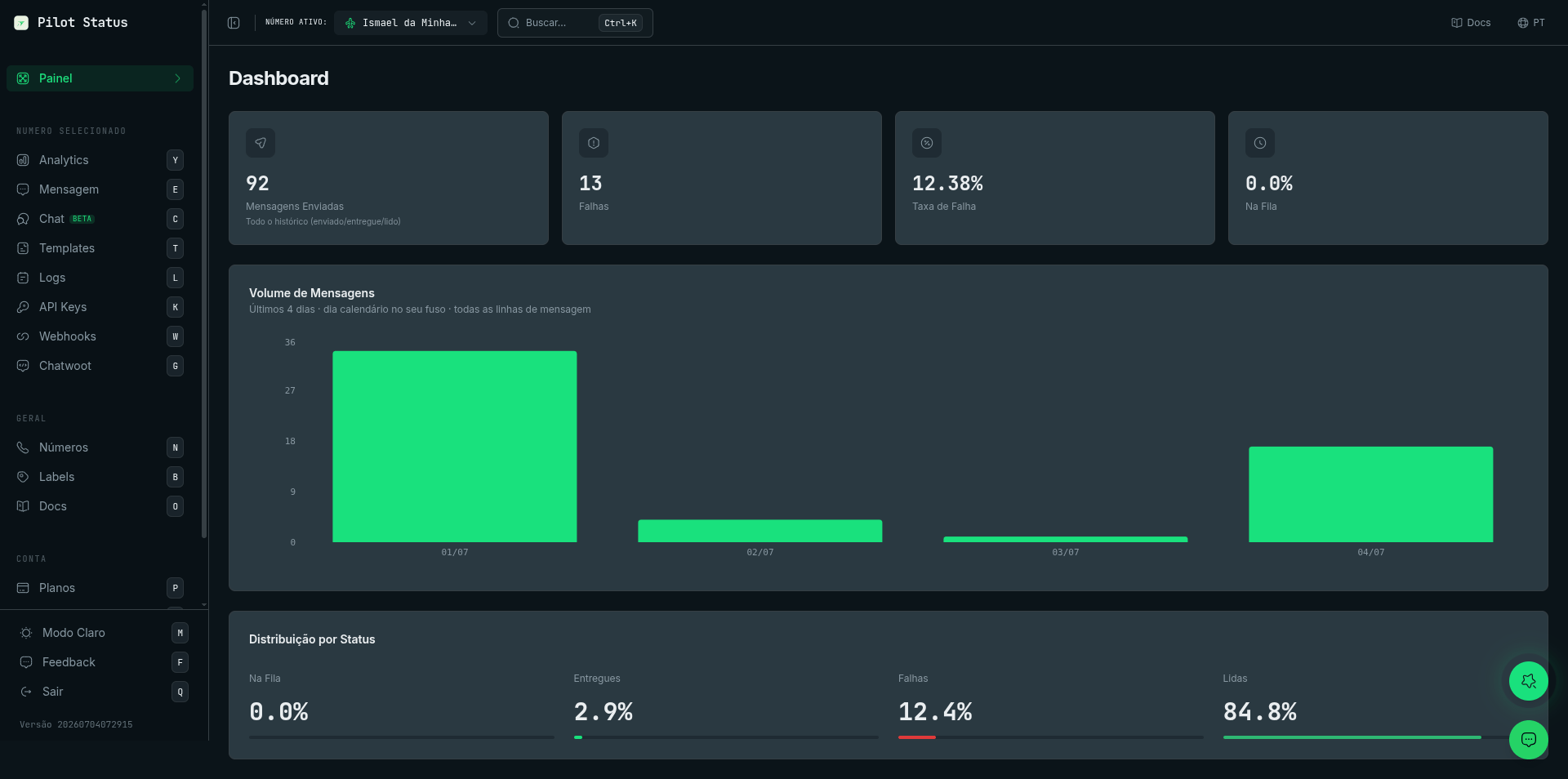
The Pilot Status dashboard — send volume, delivery status, and everything per number.
What you can build
Use Pilot Status as the messaging backbone for any product or workflow that needs WhatsApp as a channel.SaaS Products
Add WhatsApp messaging to your SaaS with multi-tenant support. Each customer connects their own number under your project, with full message isolation and per-number API keys.
AI Agents
Give your AI agents and LLM-powered assistants a live WhatsApp channel. The MCP server and SDKs integrate directly with AI frameworks so agents can send, receive, and react to messages.
Click-to-WhatsApp Ads
Capture leads from Meta ads and respond instantly via the API. Connect your ad campaigns to automated welcome messages, qualification flows, or live chat handoffs.
Automations
Plug WhatsApp into n8n, GPT Maker, or any webhook-driven automation. Send billing alerts, OTP codes, order status updates, and onboarding messages without writing a backend.
Key features
Pilot Status ships everything you need to build a production-grade WhatsApp integration out of the box.REST API
Send text, media, buttons, and template messages with a single HTTP request. Every endpoint returns structured JSON with message IDs and delivery status.
Webhooks in Milliseconds
Get notified the moment a message is delivered, read, or replied to. Webhook payloads fire in milliseconds so your automations and agents stay in sync.
Official Meta Integration
Connect via Meta Cloud API or Coexistence mode for full compliance and higher throughput. Ideal for businesses that need official WhatsApp Business API support.
Managed Proxy
Every unofficial connection comes with a managed proxy included. No VPS, no Nginx, no IP allowlisting — Pilot Status keeps your connection stable and routed.
Multi-number & Multi-tenant
Add multiple WhatsApp numbers to a single project. Plans scale from 1 to 13+ numbers. For SaaS products, each tenant can connect and manage their own number.
Live Chat Dashboard
Monitor and reply to messages in real time from the Pilot Status dashboard. View conversation history, message logs, and delivery status without leaving the UI.
Analytics & Message Logs
Track message volume, delivery rates, and engagement from the dashboard. Full message logs let you audit every send and receive event.
API Layer Migration
Migrate from Evolution API (Evolution GO, Evolution V2) with zero code changes. The API Layer speaks the same interface, so your existing integration keeps working on day one.
Official vs. unofficial connections
Pilot Status supports two connection modes, and you can use both within the same project. Official (Meta) connections use Meta’s Cloud API or Coexistence mode. They are fully compliant with WhatsApp’s Business policies, support higher message volumes, and are required for businesses running click-to-WhatsApp ads or regulated industries. Coexistence mode lets you run the official API alongside your existing WhatsApp Business app. Unofficial connections authenticate via QR code, like a regular WhatsApp session. They are faster to set up (no Meta Business account needed), include Pilot Status’s managed proxy, and work well for automation, internal tooling, and early-stage products. For a detailed comparison of capabilities, limits, and when to choose each mode, see Official vs. Unofficial connections.No server, no VPS, no proxy configuration needed — Pilot Status handles everything.