

POST requests. You configure webhooks per number on the Webhooks page in the dashboard or via POST /v1/webhooks — see the Receive Messages guide for setup and the Events reference for full payload schemas.
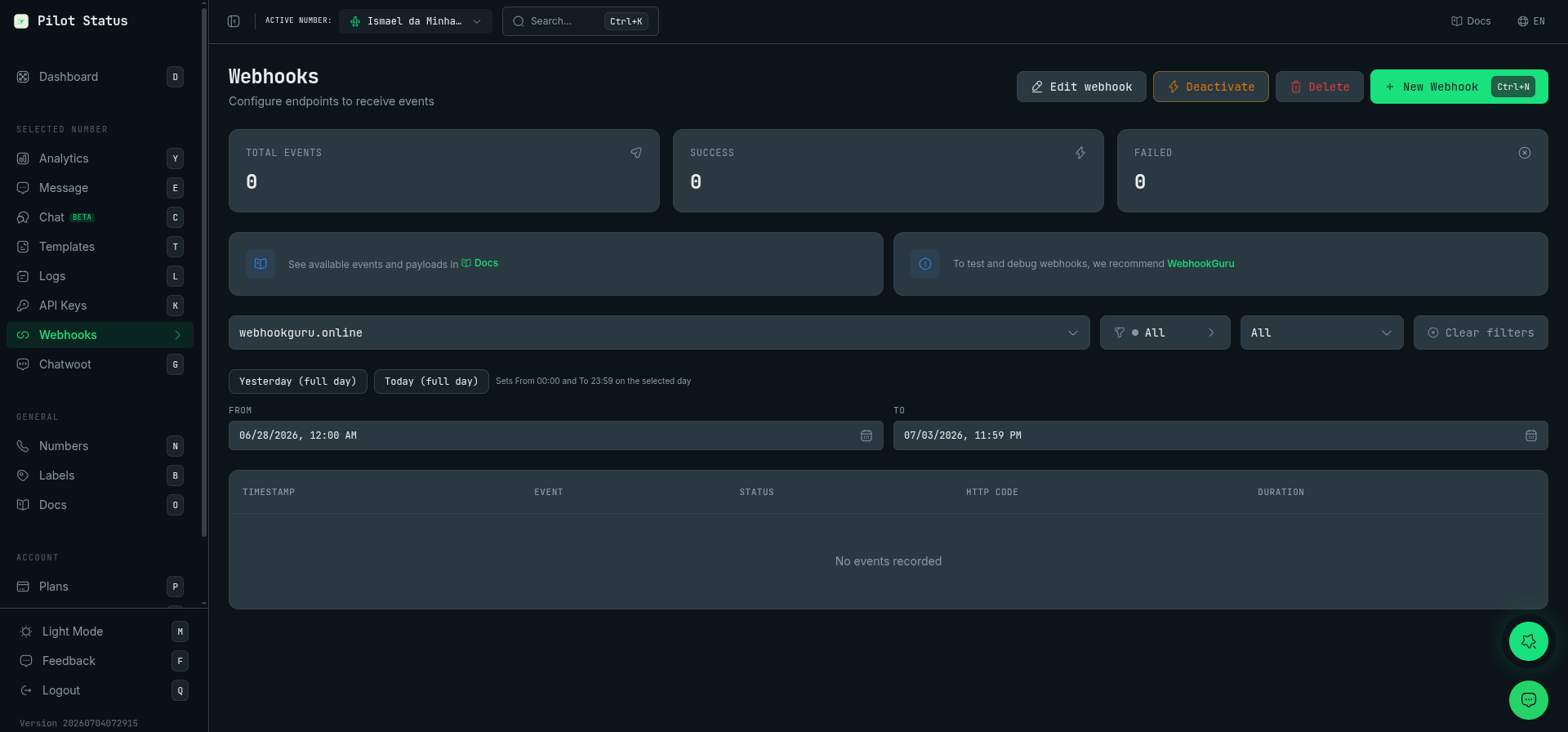
The Webhooks page — create endpoints, pick events (or subscribe to all with *), and inspect delivery logs.
Events overview
A webhook only fires for events in its
events list. An empty list dispatches nothing; use "*" to subscribe to every event. The number-health events and number.recovered are subscribable by name since 2026-09-15, and also reach "*" subscriptions.
Payload schema (v3)
Everymessage.* / number.* event arrives as:
data fields are camelCase. Phone numbers are always E.164 with + (no device suffix, no @s.whatsapp.net/@lid). Timestamps are ISO 8601 in a single createdAt field. Normalized call.* events are flat (no data wrapper).
Correlation with the 202 response
POST /v1/messages/send responds HTTP 202 with id and correlationId. Use these to tie webhooks back to your send:
On
message.reply, quotedMessageId equals the messageId of your original message.sent, and contentReplied carries the quoted text.
The
message.read event (and Read status in logs) only occurs when the recipient has WhatsApp read receipts enabled. Otherwise the lifecycle stops at message.delivered.Delivery notes
number.disconnectedis emitted from the number-health transition, which owns the anti-flap window and the one-alert-per-transition dedup — one event per confirmed drop, not one per socket blip. It fires for native web (unofficial) numbers, which previously produced no subscribable event at all when they fell off. Meta Cloud API numbers never emit it: they signal trouble through the number-health events instead.- With data retention off (PII modes), conditional fields such as
contentmay be empty; IDs and timestamps always exist. - Events the number’s provider cannot emit are silently dropped from a subscription.