

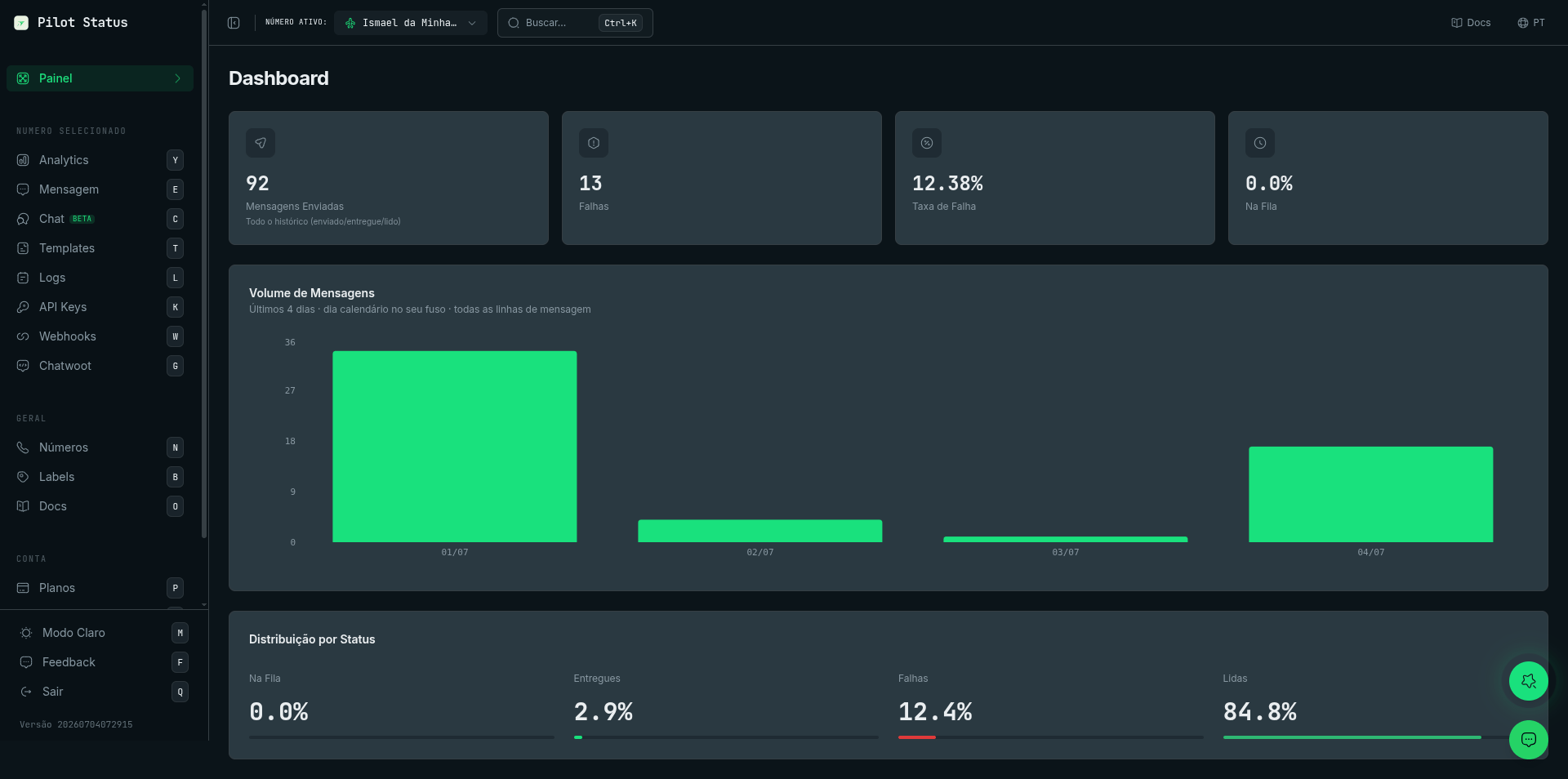
The Pilot Status dashboard home — per-number KPIs, message volume, and status distribution.
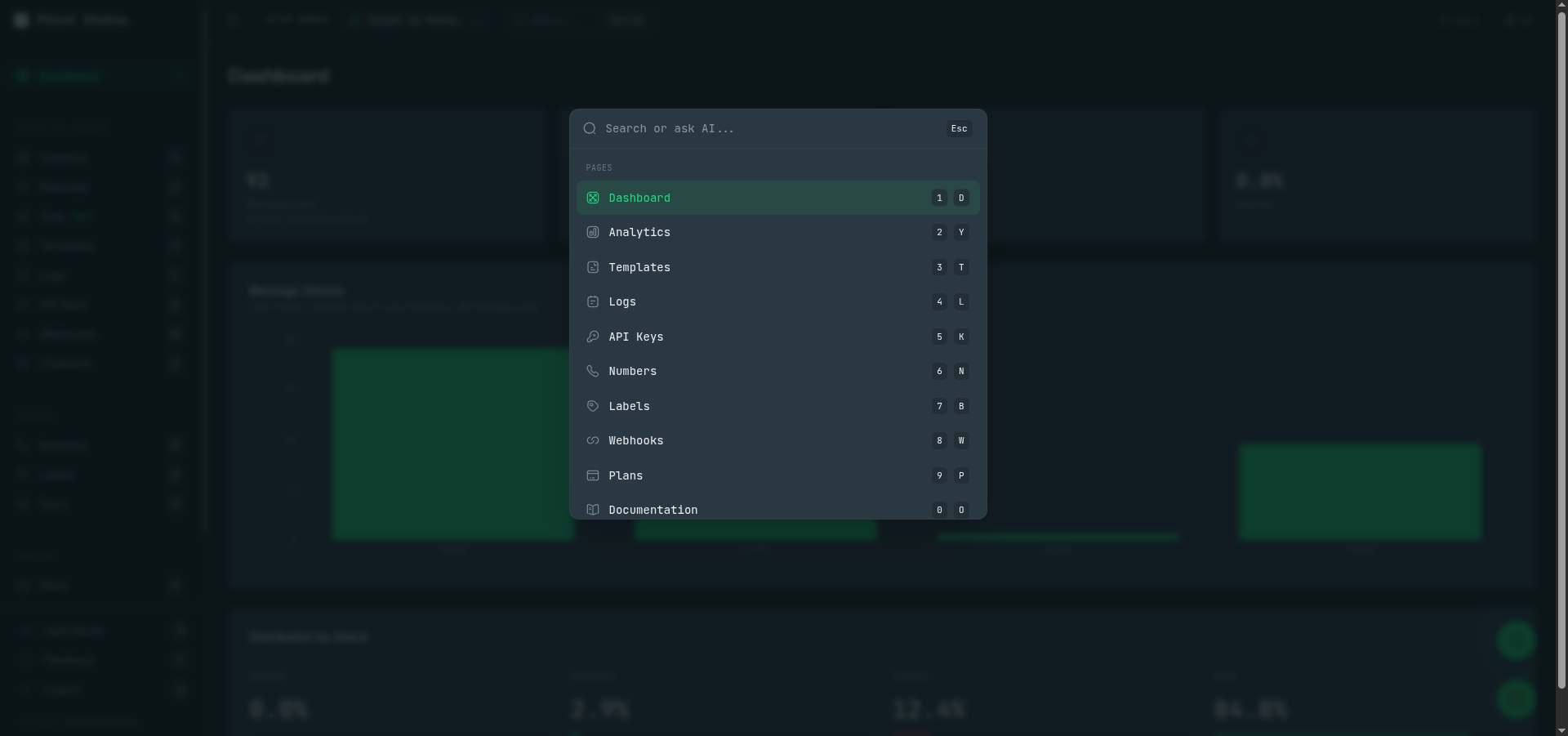
Ctrl+K opens the command palette — jump to any page by number/letter shortcut or ask the AI.
Explore the Dashboard
Live Chat
Read and reply to WhatsApp conversations directly from your browser without touching your phone.
Logs & Analytics
Browse your full auditable message history and track delivery, read rates, and volume in real time.
Templates
Create and manage message templates with dynamic variables and submit them for Meta approval.
API Keys & Webhooks
Generate API keys and configure webhook endpoints from the API Keys and Webhooks pages in the left sidebar.
Numbers
The Numbers page is where you connect and manage every WhatsApp number in your project. To reach it, open the dashboard and click Numbers in the left sidebar. From this page you can:- View all connected numbers alongside their current connection status (connected, disconnected, or pending).
- Add a new number by clicking Connect Number and following the on-screen steps — scan the QR code for unofficial connections or provide your Meta credentials for the official Cloud API.
- Reconnect a dropped number by clicking the reconnect icon next to it. This re-establishes the session without affecting your API keys or webhook configuration.
API Keys
Your API keys live on the API Keys page (click API Keys in the left sidebar). Each WhatsApp number has one default number-scopedps_ key — it sends messages and acts only on that number. There is also a single tenant-scoped key (under Profile → API) that manages numbers and account-level resources through the public API but cannot send messages. See API Authentication for details.
Keep your keys private — treat them the same way you would treat a password. Do not commit them to source control or expose them in client-side code. If a key is ever compromised, click Regenerate next to it to rotate it — the old key stops working immediately and a new one is issued.